Setup a cluster with ease.
Connect your devices via Thunderbolt or USB-C. See your cluster and manage your models from one dashboard.
 LabsGitHub
 Exo connects your devices into a powerful cluster.
Open source · Built for local inference
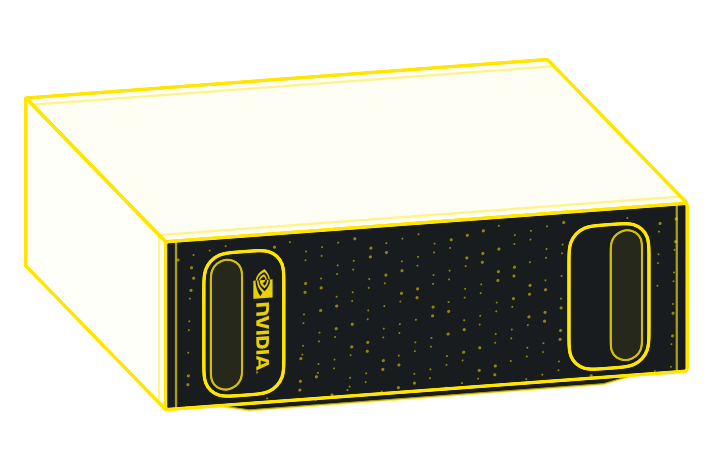
Deploy for your team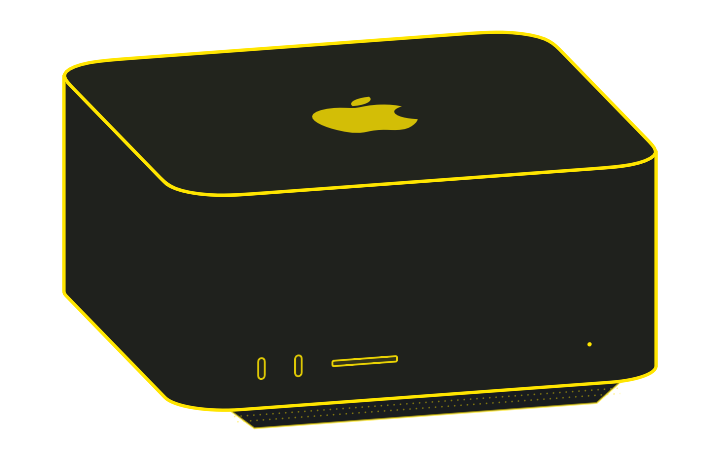
Run open models in the harness you already love.
Connect your devices via Thunderbolt or USB-C. See your cluster and manage your models from one dashboard.
Exo distributes a model across your devices and optimizes runtime parameters for turnkey simplicity.
Connect through familiar API formats: OpenAI Chat Completions, Responses, Claude Messages, and Ollama.
Explore running Exo on your own infrastructure.
Share a few details so we can discuss your models, hardware, and deployment needs. Still exploring? That’s a good place to start.
Prefer email? sales@exolabs.net
Fields marked * are required.
Which models can your computer run? What hardware should you choose? local.ai helps you understand the possibilities before you build your setup.
Explore local.aiExo is the Local AI Lab. We are building the future of democratized, sovereign machine intelligence. On your desk. On your phone. Across your team. On infrastructure you control.
Choose where your models run and how you put your hardware to work.
Inspect the code, contribute an improvement, or build something of your own.
Connect real performance measurements to the models and hardware behind them.
Exo Labs is the company behind exo and local.ai. Exo is the open-source software that connects your devices into a local AI cluster.
Local AI means running models on your own hardware, whether that is one computer or a cluster on your local network. The model processes your requests there. local.ai is a website owned and operated by Exo Labs that helps you understand which models your hardware can run, how much memory they need, and how different setups perform. Exo is the software that brings your devices together to run them.
Exo runs on Apple silicon Macs, including Mac Studio, Mac mini, and MacBook Pro. The macOS app requires macOS Tahoe 26.2 or later. Linux installations are also available from source. Your available memory determines which models fit, and your network affects how well devices work together. RDMA acceleration requires Macs with Thunderbolt 5 and compatible cables.
Yes. Download your models and software dependencies first, then enable Exo’s offline mode. Inference runs on your devices; machines in a cluster still need a local connection to communicate. You will need internet access to download new models or updates, and any connected tools that rely on cloud services may still need to be online.